The Pitfalls of Free Kitchen Design Apps: From Vision to Costly Reality
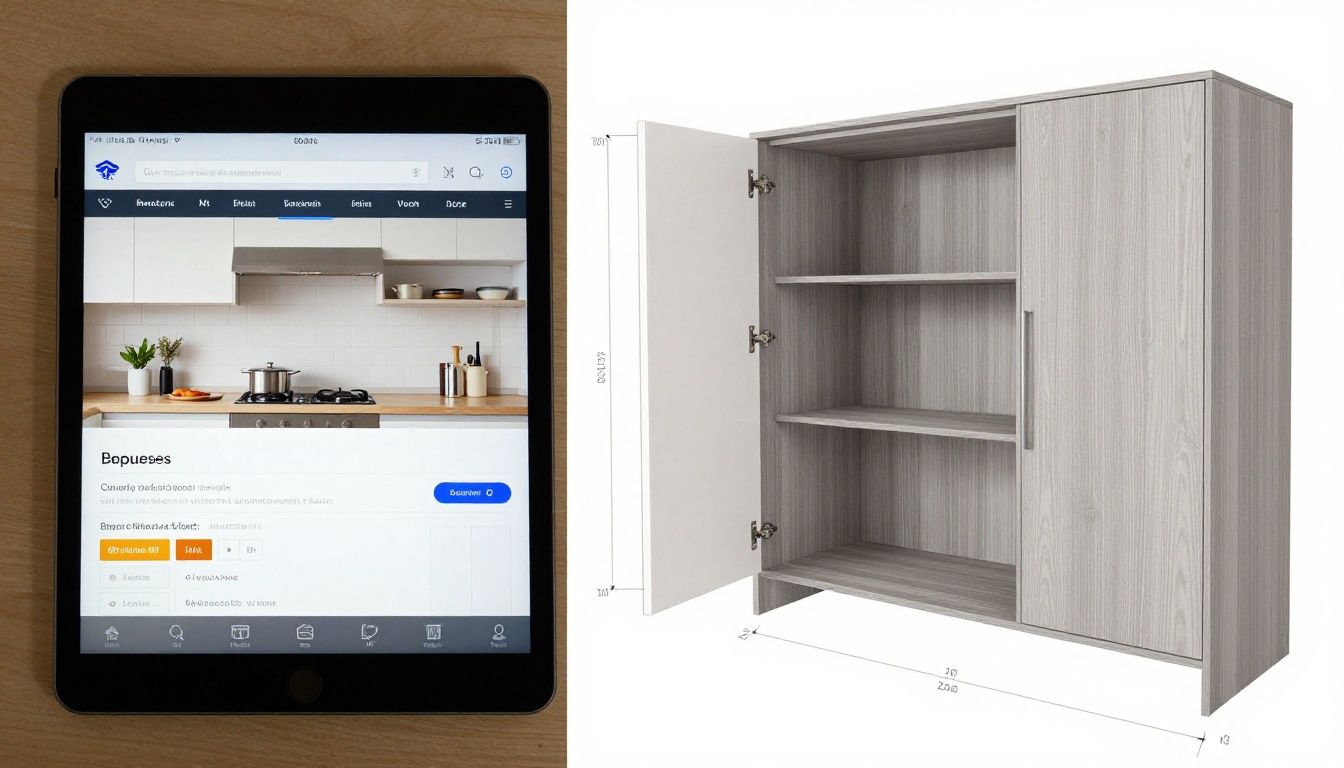
Using a free kitchen design app to plan your renovation can lead to a costly disconnect between your vision and reality. A design that ignores your home’s specific conditions can result in change orders during construction that add $5,000 to $15,000 to your budget. For example, placing an appliance without verifying the circuit’s amperage or a cabinet run on a floor that slopes by an inch over ten feet creates problems that must be solved on-site, at a premium. These applications are excellent for exploring layouts and finishes, but they are not a substitute for fabrication-ready shop drawings. They produce a picture, not a plan.
Key Takeaways
- Free kitchen design apps do not account for site-specific realities like non-plumb walls, un-level floors, or hidden mechanical systems.
- They lack the real-world constraints of material dimensions, hardware specifications, and fabrication tolerances, leading to unbuildable designs.
- Designs from these apps often fail to comply with mandatory building codes and National Kitchen & Bath Association (NKBA) clearance guidelines.
- The output is a visual concept, not the technical shop drawings a cabinetmaker needs to build and install your kitchen.
- Relying solely on a kitchen design app can lead to significant budget overruns and project delays when the design meets the job site.
Why Can’t I Give My Contractor My App Design?
A design from a free kitchen design app is a conceptual rendering. It communicates aesthetic intent. It is not a technical document. A cabinetmaker cannot build from a picture because it lacks the essential data required for fabrication. We work from shop drawings—detailed, scaled plans that specify every component down to the millimeter.
These drawings include:
- Material specifications: Type, thickness, grain direction, and finish.
- Construction method: How each cabinet box is joined (e.g., dowels, dadoes, pocket screws).
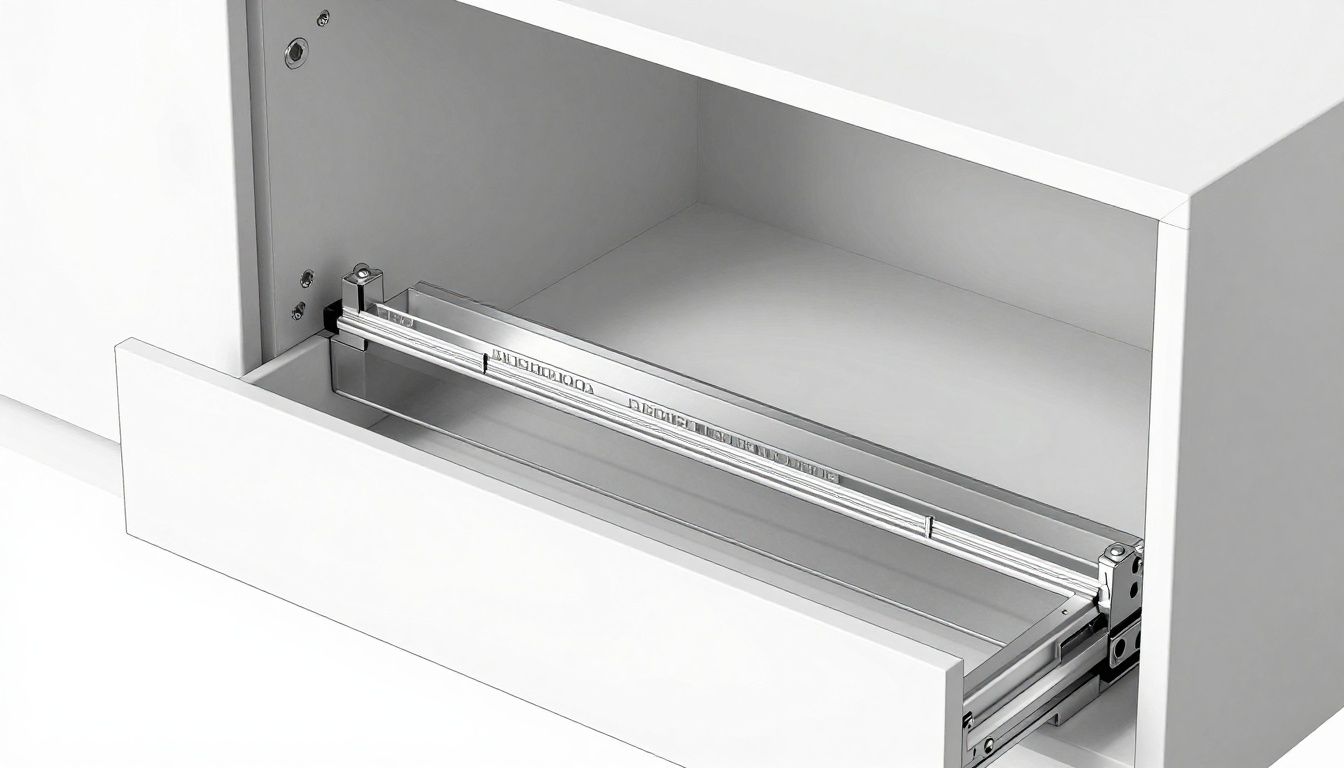
- Hardware schedule: Exact model numbers for hinges, drawer slides, and pulls, which dictates precise boring locations and clearances.
- Component dimensions: The exact size of every door, drawer front, panel, and filler piece.
Imagine you’ve designed a bank of drawers. Your app shows three equal drawers. Our shop drawing specifies a 5-inch top drawer front and two 12.5-inch lower fronts, with 1/8-inch gaps, built into a 30.5-inch-high cabinet box on 4.5-inch legs to match the toe-kick height of the adjacent dishwasher. This is the level of detail required, and it is what these apps omit.
What Critical Site Details Do Kitchen Design Apps Miss?
A kitchen exists in a physical space with imperfections that a virtual kitchen designer cannot see. Professional site measurement involves lasers and levels to capture the room’s true geometry. A free software for kitchen design assumes perfect 90-degree corners, plumb walls, and level floors. This is never the case in a real home.
Common site conditions missed by apps include:
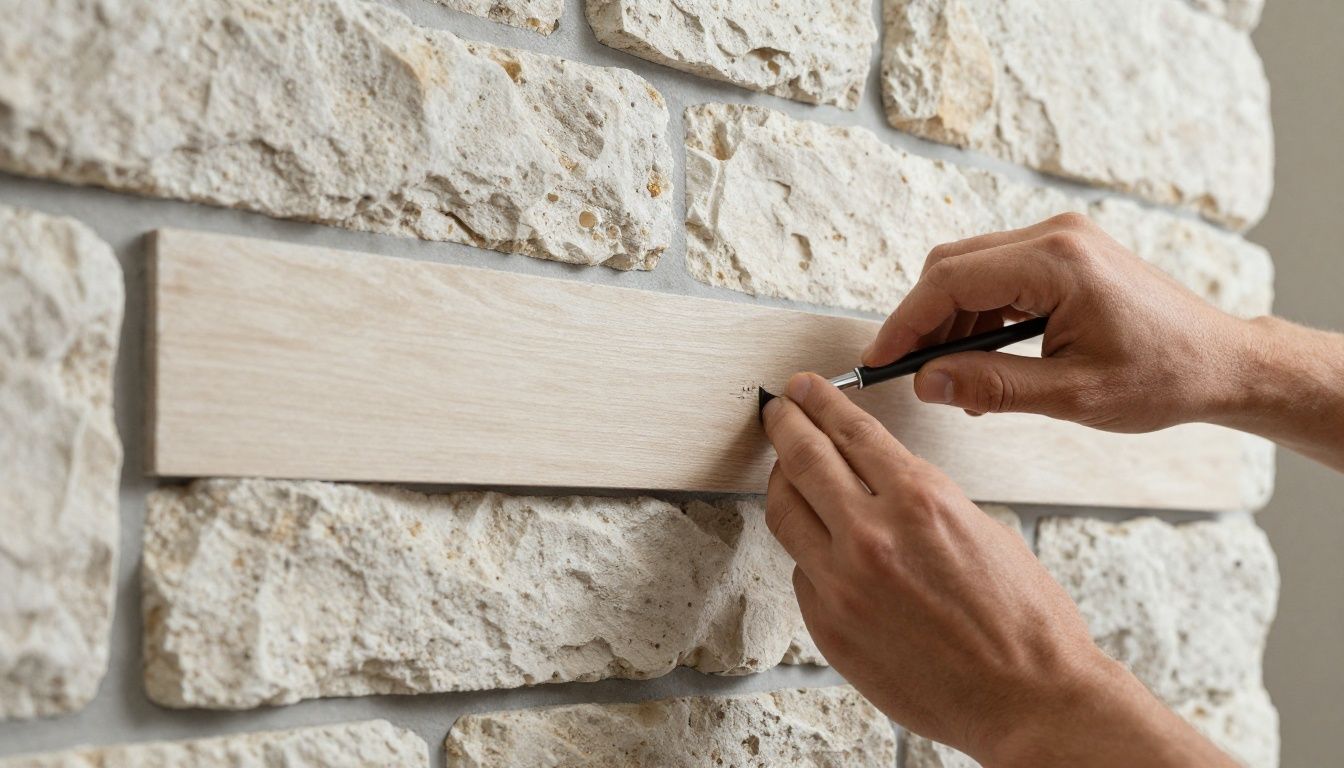
- Out-of-plumb walls: Walls that lean in or out. Cabinetry must be scribed (cut to match the wall’s contour) for a seamless fit.
- Un-level floors: A floor can dip or rise significantly. The cabinet toe-kicks must be leveled on-site, and any variation is often concealed by a base shoe moulding.
- Irregular corners: Corners that are not 90 degrees require custom-angled cabinets or wider filler strips to make the turn correctly.
- Hidden infrastructure: Plumbing stacks, HVAC ducts, or electrical conduits inside walls that prevent cabinets from being installed to their full depth.
We once worked with a client in Calgary whose app-based design placed a 36-inch pantry cabinet in a location that seemed perfect. During our site measure, we found the floor sloped 1.5 inches over the cabinet’s width and the wall behind it bowed out by nearly an inch. The app’s design would have resulted in a visibly tilted cabinet with a large, irregular gap against the wall. Our solution involved a custom-built cabinet box and extended side panels for scribing, ensuring a plumb and integrated final installation.
How Do Material and Hardware Limitations Affect a Design?
Every material used in cabinetry has physical limits. A kitchen cabinet design software rarely accounts for these, allowing you to create designs that are impractical or structurally unsound.
Consider a countertop. You might design a 12-foot-long island with a single, seamless slab of quartz. However, standard quartz slabs are typically around 120 inches (10 feet) long. A 12-foot island requires a seam or a special order for a jumbo slab, which significantly increases cost and logistical complexity. The app doesn’t warn you about this.
This table shows how material and hardware choices, which apps ignore, dictate design parameters.
| Parameter | App-Based Design (Assumed) | Reality-Based Design (Constrained) |
|---|---|---|
| Island Countertop Length | Unlimited | Limited by slab size (e.g., ~120″ for quartz, ~110″ for granite). Longer requires a seam. |
| Upper Cabinet Width | Any width desired | Max ~36-42″ for a double-door cabinet to prevent door warping and hinge strain. |
| Drawer Box Material | Not specified | Typically 5/8″ solid wood (e.g., maple, birch) for durability. Affects interior drawer dimensions. |
| Appliance Integration | Appliance fits in a box | Requires specific cabinet modifications, ventilation, anti-tip blocks, and precise clearances per manufacturer specs. |
| Hinge Clearance | Not considered | A 170-degree hinge requires more side clearance than a 110-degree hinge. Affects adjacent cabinet placement. |
Hardware is another critical constraint. The choice of drawer slides determines the required side clearance (typically 1/2″ per side) and the maximum load capacity. A design for heavy pot-and-pan drawers using standard slides would fail over time. Heavy-duty slides are needed, which may affect the cabinet’s interior width. A kitchen design app does not operate at this level of detail.
The Gap Between Visuals and Fabrication: Tolerances and Assembly
Custom cabinetmaking is a trade of precision. We work with tolerances of 1/16th of an inch or less. This precision ensures that reveals (the gaps between doors and drawers) are consistent, that doors hang straight, and that the final installation is cohesive. Free software for kitchen design has no concept of tolerance.
When we build a run of cabinets, we account for how they will be joined together and installed. For example, if a run of cabinets meets a wall, we don’t design it to touch the wall perfectly. We leave a small gap (typically 1-3 inches) to be covered by a filler strip. This strip is then cut and scribed on-site to fit the exact contour of the wall, creating a built-in look. An app design will simply show the cabinet flush to the wall, which is impossible to achieve in practice.
This process applies to every interface:
- Cabinet-to-ceiling: Crown moulding or a riser strip is used to hide gaps and variations in ceiling height.
- Cabinet-to-floor: The adjustable legs of the cabinet are hidden by a toe-kick, which is scribed to the floor.
- Cabinet-to-appliance: We follow manufacturer specifications for clearances to ensure proper ventilation and function. A refrigerator often needs air gaps at the sides and top.
These interstitial components—fillers, scribes, mouldings—are what separate a professional installation from a set of boxes placed in a room. They are a fundamental part of the design that virtual kitchen designer tools completely ignore.
Navigating Building Codes and Appliance Specifications
A safe and functional kitchen must adhere to local building codes and established design standards, such as those from the National Kitchen & Bath Association (NKBA). A kitchen design app has no mechanism to enforce these rules, allowing a user to create layouts that are inefficient or even hazardous.
For instance, the NKBA recommends specific clearances for walkways, workspaces, and landing areas. A design that violates these can result in a kitchen that is frustrating to work in or fails a building inspection.
Here are some key NKBA guidelines that apps often miss:
| Guideline | NKBA Recommendation | Why It Matters |
|---|---|---|
| Work Aisle Width | Minimum 42″ for one cook, 48″ for multiple cooks. | Ensures safe movement and ability to open appliance doors without blocking the path. |
| Countertop Landing Area | Min. 15″ beside a cooktop; Min. 15″ beside or above an oven; Min. 15″ on one side of a sink. | Provides a safe space to place hot pans or items being moved to/from the sink. |
| Dishwasher Placement | Within 36″ of a sink. | Prevents dripping water across the floor when moving dishes from sink to dishwasher. |
| Microwave Placement | Bottom of microwave should be 3″ below the shoulder of the primary user, ideally 15″-18″ above the countertop. | Avoids reaching up for hot liquids, a common cause of burns. |
An app might let you place a range next to a wood-paneled refrigerator, but building codes require specific clearances between a heat source and combustible materials. It might let you design an island that creates a 30-inch walkway, but this would feel cramped and be a daily annoyance. Professional design integrates these rules from the start, ensuring the final product is as functional and safe as it is beautiful.
Frequently Asked Questions (FAQ)
Are paid kitchen design software programs any better?
Paid, professional-grade software like Cabinet Vision or Mozaik is fundamentally different. It is production software that generates cut lists and CNC machine code from the design. These tools are complex and intended for manufacturers, not homeowners. Consumer-level paid apps may offer more features but still lack site-specific data and fabrication details.
Can I use a free kitchen design app to get a preliminary quote?
Yes, an app-based design can be a useful starting point for a conversation. It helps us understand your desired layout, style, and appliance placement. However, any quote based on it will be a rough estimate, pending a professional site measure and detailed design process.
What is the first step in designing a kitchen if not using an app?
Start by gathering inspiration and defining your functional needs. Think about how you use your current kitchen and what its pain points are. Then, the best first step is to consult with a professional—either a kitchen designer or a design-build firm like ours—who can translate your needs into a viable plan.
How much does a professional kitchen design cost?
Design fees vary. Some designers charge an hourly rate ($100-$300/hr), while others charge a percentage of the project cost (10-15%). At a design-build cabinet shop like Final Draft Cabinetry, the design process is often integrated into the total cost of the custom cabinetry project.
What is the biggest mistake people make with kitchen design apps?
The biggest mistake is treating the output as a final, buildable plan. This creates a false sense of completion and can lead to disappointment and unexpected costs when a professional has to re-work the design to align with the realities of your space, materials, and budget.
How long does a proper kitchen design process take?
After an initial consultation and site measure, a full custom kitchen design with detailed shop drawings and material selections typically takes 2 to 5 weeks. This upfront investment of time is critical to ensure a smooth fabrication and installation process, which can take an additional 8 to 12 weeks.